Restore deleted flow using PowerShell
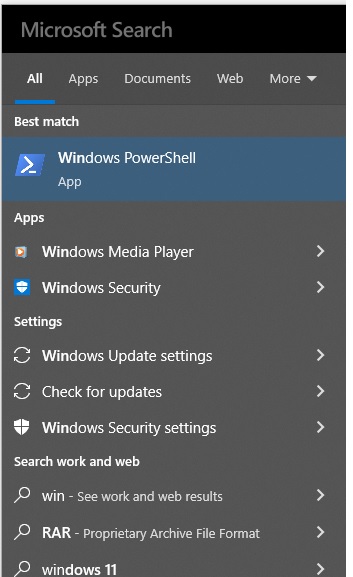
Sometimes we may delete flows accidentally/intentionally and later realize the need of the flow. For that cases, we can We can restore deleted flow using PowerShell commands. We can restore the deleted flows using the commands below. Open Windows PowerShell Install latest PowerShell commands on the link below. - https://www.powershellgallery.com/packages/Microsoft.PowerApps.Administration.PowerShell/2.0.147 Sign-in to PowerApps using the command below and enter credentials Get admin flows using the command below. Here -IncludeDeleted $true will allows to get the latest flows. Get-AdminFlow -EnvironmentName Default-687f51c3-0c5d-4905-84f8-97c683a5b9d1 -IncludeDeleted $true Here Default-XXXXX is the environment ID We can filter the flows with name as well using the Get-AdminFlow Testing -EnvironmentName Default-687f51c3-0c5d-4905-84f8-97c683a5b9d1 -IncludeDeleted $true Restore the selected flow using the Restore commands as below. Restore-Admi...